 Baredoc
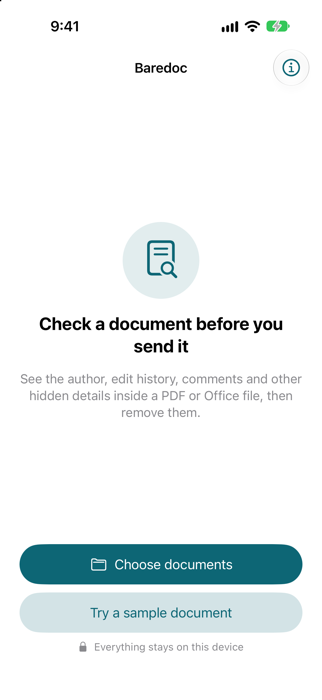
Check a document before you send it.
PDF and Office files carry more than you see on the page: who wrote them, who edited them, when, comments, earlier versions and more. Baredoc shows you all of it, then removes it.
For iPhone, with a Mac version on the way.
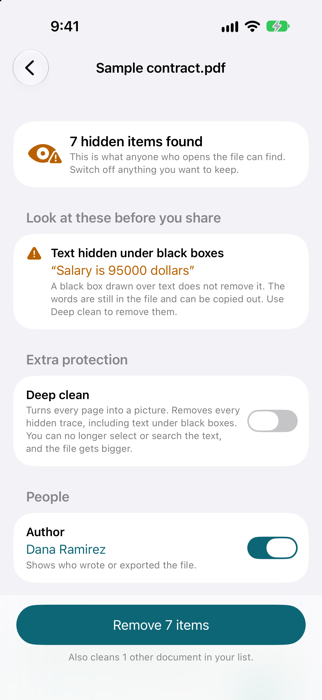
See everything firstThe real author name, company, dates, comments and edit history, not just a warning that something exists.
Catches the trapsWarns when text is only hidden under a black box and is still in the file.
Removes the historyRebuilds PDFs from scratch so earlier saved versions are gone, and strips Word, Excel and PowerPoint details.
Private by designEverything happens on your iPhone. No account, no uploads, no tracking, no ads.
How it works
- Choose a PDF, Word, Excel or PowerPoint file, or share one to Baredoc from Files or Mail.
- Baredoc lists everything hidden in it, with the real values.
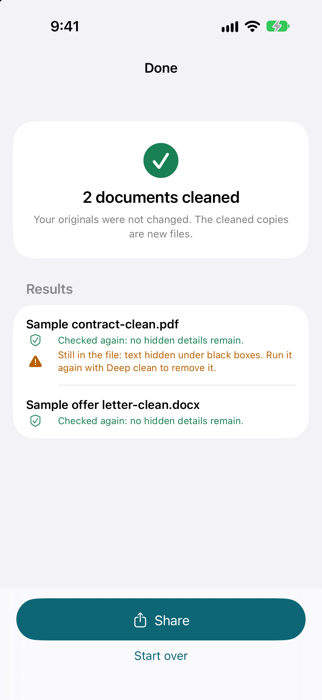
- Switch off anything you want to keep, then clean. Baredoc checks the new file again and shows the result.
- Share the clean copy. Your original is never changed.
What it cannot hide
Anything visible on the page stays, such as a struck-through line or a retyped paragraph. For PDFs, Deep clean turns each page into a picture, which removes every hidden trace but means the text can no longer be selected.
Questions?
Read the support page or email support@baredoc.app.